Implementing an ERP in a steel plant is not just a software project. It touches sales, planning, production, quality, maintenance, stores, accounts and even top management decisions. If it is not planned properly, the result is confusion on the shop floor, frustrated users, and a system that becomes a reporting tool instead of a decision making engine.
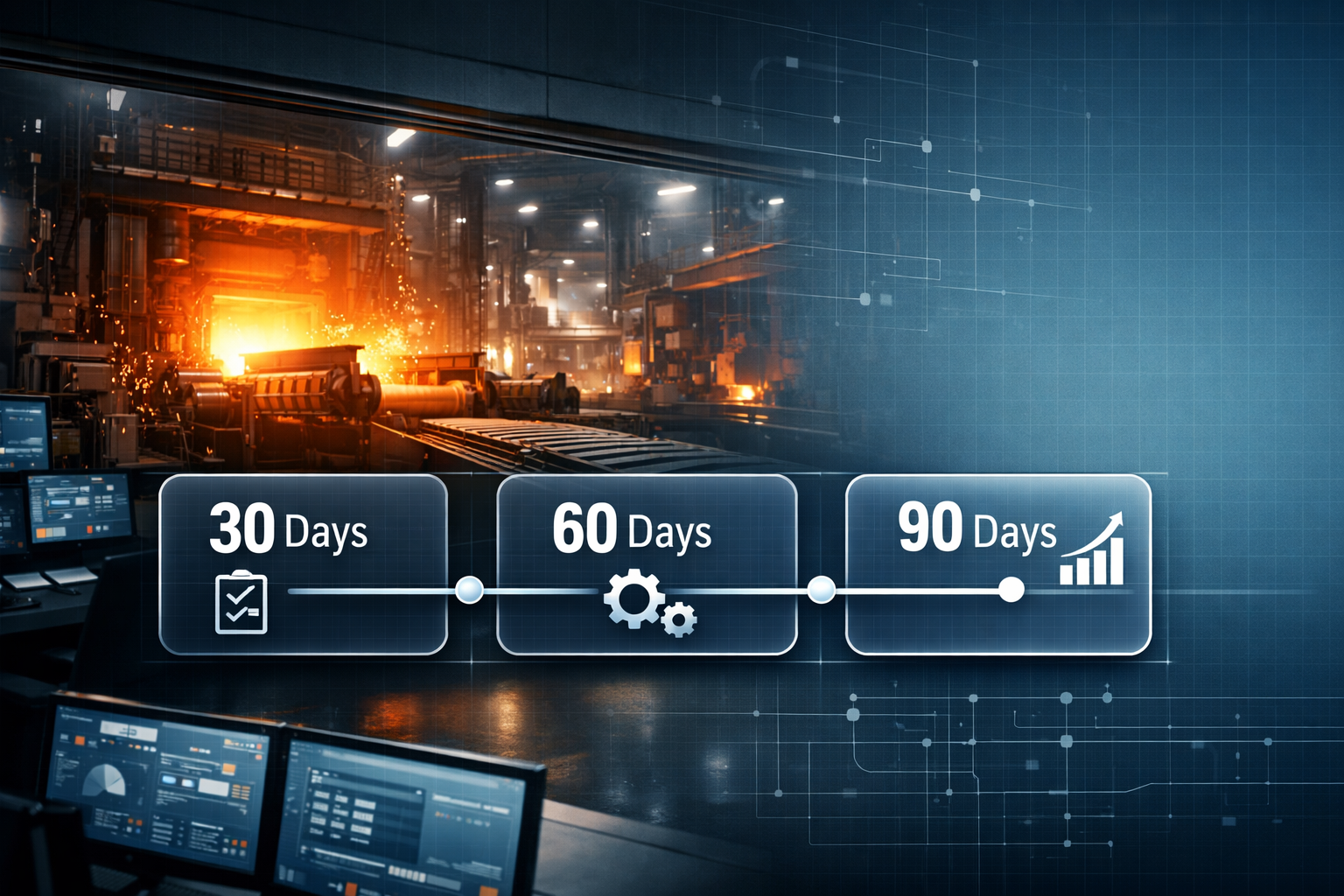
This 30 60 90 day ERP roadmap is designed specifically for steel plants that manufacture steel rod, wire, strand, LRPC, wire rope and slings. You can use it as a practical guide while planning your own implementation.
For more steel focused resources and insights, you can always visit SteelExperts.in.
Why Steel Plants Need a Structured ERP Implementation
Steel plants work with complex realities like:
- Heat wise traceability and coil movement
- Multi stage wire drawing, stranding and closing operations
- Multiple quality checkpoints and certificates
- High volume WIP and inventory spread across yards, bays and warehouses
- Customer commitments that depend on tight delivery schedules
Without a structured implementation plan, even the best steel manufacturing ERP can fail to deliver value. A clear 30 60 90 day roadmap helps management and users understand what will happen when, and how each phase will affect day to day work.
Pre Implementation Preparation (Before Day 1)
Before the official project start, a little preparation can save many weeks later.
Key preparation activities
- Finalize core implementation team from production, planning, quality, stores, sales and accounts
- Identify one project sponsor from top management
- Collect basic master data like products, customers, suppliers and key machines
- List key reports that management uses today
- Agree on high level goals such as better traceability, stronger planning or export readiness
If you want to see how a steel specific ERP breaks down modules across these functions, you can review the SteelExperts ERP Modules page.
Day 0 to 30: Foundation and Discovery
The first 30 days focus on understanding the plant and building a realistic blueprint. During this phase, avoid forcing new habits on users. Instead, collect information and build trust.
Week 1: Project Kickoff and Scope Clarification
- Run a kickoff meeting with management and key department heads
- Clarify which units and product lines are in scope for phase one
- Agree on target go live area, for example wire drawing plus strand and closing, or one plant location
- Confirm communication structure and weekly review rhythm
Week 2: Process Walkthroughs on the Shop Floor
- Walk through material journey from raw material gate to finished goods dispatch
- Record how heats, coils, reels and batches are tracked today
- Capture actual routing for key product families such as rod, wire, strand, LRPC and rope
- Note all manual registers and Excel files used for planning and reporting
Week 3: Data and Master Definition
- Define product codes and variants in a way that is easy to understand
- Agree on naming conventions for heats, coils, reels and batches
- Identify mandatory fields for quality records and test certificates
- Prepare a plan for cleaning and importing existing masters into the ERP
Week 4: Blueprint and Sign Off
- Prepare a process blueprint showing how each department will work in the new system
- Highlight changes from current processes so users know what will be different
- Get management sign off on the blueprint and phase one scope
At this stage, many steel plants like to validate that the ERP vendor truly understands the industry. If you are still evaluating vendors, you can learn more about the background and focus of SteelExperts here: About SteelExperts.
Day 31 to 60: Build, Configure and Pilot
In this phase, the ERP is configured according to the blueprint and tested in controlled conditions. The goal is to make sure that the system matches real steel operations before go live.
Week 5: System Configuration and Master Upload
- Configure plants, warehouses, bays and machine groups
- Set up product masters, routing, and basic quality parameters
- Import customer, supplier and basic item masters
- Define user roles and access rights based on departments
Week 6: Transaction Scenarios and User Training
- Prepare simple step by step scenarios like heat receipt, coil cutting, drawing, stranding, closing and dispatch
- Run classroom style training for planners, production, QA and stores teams
- Let users perform test transactions on training data under supervision
Week 7: Pilot Run with Limited Scope
- Select one product family and one line or bay for pilot
- Run transactions in the ERP in parallel with existing manual methods
- Compare ERP outputs with actual production and stock records
- Note gaps, missing fields or confusing screens
Week 8: Adjustments and Readiness Review
- Fine tune configuration based on pilot feedback
- Fix issues in routing, quality records or reports
- Confirm that all critical reports required by management are available
- Decide final go live date and communication plan for all affected users
For plants looking at export growth, this is the right time to check whether your ERP can support traceability and documentation required for export buyers. The blog Export Readiness Checklist for Wire and Rope Manufacturers is one example of how digital systems support export readiness.
Day 61 to 90: Go Live, Stabilize and Improve
The final 30 days are focused on controlled go live, daily support and gradual improvement. It is normal to see some resistance and confusion, but with the right support structure, this phase builds long term confidence.
Week 9: Controlled Go Live
- Switch selected departments or lines from manual planning to ERP based planning
- Ensure that all material movements are recorded in the system from this date
- Provide floor support through ERP coordinators during each shift
Week 10: Daily Monitoring and Issue Resolution
- Track key indicators like on time job card creation, correct coil and reel tagging, and posting of quality records
- Review issues logged by users on a daily basis
- Fix small configuration problems quickly to maintain user confidence
Week 11: First Management Review on ERP Data
- Use ERP data to drive production and planning review meetings
- Discuss WIP levels, rework and bottleneck machines with live dashboards or reports
- Identify further process improvements or report requirements
Week 12: Stabilization and Next Phase Planning
- Document what has worked well and where users still struggle
- Plan the rollout of ERP to remaining units, product families or locations
- Define a road map for value additions like QR based tracking, maintenance modules or integration with lab systems
At this point, your first 90 days are complete. You now have a working foundation of a steel specific ERP that can support long term growth.
How SteelExperts ERP Fits into a 30 60 90 Day Roadmap
SteelExperts ERP is designed from the ground up for steel rod, wire, strand, LRPC, wire rope and sling manufacturers. That makes the 30 60 90 day plan more realistic, because the system already speaks the language of heats, coils, reels, passes, strands and ropes.
If you want to see how modules like Sales, Planning, Production, Quality and Inventory connect in a steel specific way, you can review SteelExperts ERP Modules.
To know more about the vision, industry focus and team behind the platform, you can visit About SteelExperts.
External Reference for ERP Best Practices
For general ERP and process improvement best practices in manufacturing, organizations like APQC provide useful frameworks and benchmarking information: APQC. This can help your internal team understand how your steel specific roadmap fits into global process maturity models.
Frequently Asked Questions
Is 90 days enough to fully implement ERP in a steel plant
Ninety days is usually enough to implement ERP for a defined scope such as one plant, one product family, or a set of core modules. Large groups may need multiple 90 day cycles. The key is to break implementation into clear phases instead of trying to go live everywhere at once.
What is the biggest cause of ERP failure in steel plants
The biggest cause is mismatch between software design and real shop floor processes. When the system cannot handle heat, coil, reel, WIP and quality logic correctly, users quickly lose trust and return to manual methods.
How important is data quality in the first 30 days
Data quality is critical. Wrong or incomplete masters will create confusion in planning and reporting. Invest time in clean product codes, routing, quality parameters and basic customer and supplier masters during the first month.
Can we start ERP only in planning and inventory and add production later
It is possible, but it often reduces the overall benefit. The strongest gains come when planning, production, quality and inventory are connected. If you phase the implementation, keep the gaps as small and short as possible.
How does SteelExperts ERP support a 30 60 90 day plan
SteelExperts ERP already includes logic for steel rod, wire, strand, LRPC, wire rope and sling manufacturing. This reduces time spent in customization and allows the implementation team to focus on process tuning, training and planning. You can review the system coverage here: SteelExperts ERP Modules.
Conclusion
An ERP system can become a powerful backbone for steel plants, but only when its implementation is structured and realistic. A 30 60 90 day road map helps management and users understand what should happen in each phase, and how each step connects with the next.
By focusing first on discovery and blueprint, then on configuration and pilot, and finally on controlled go live and stabilization, steel plants can reduce risk and increase adoption.
For more steel manufacturing focused content, insights and ERP guidance, you can explore SteelExperts.in.